How To Avoid Mistakes Made In Continuous Integration?

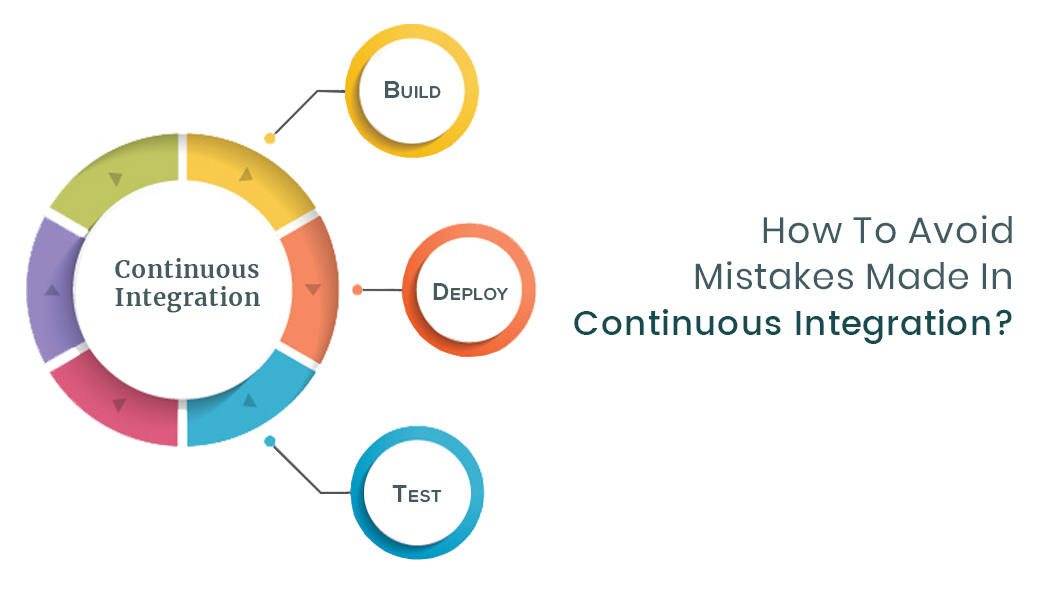
Mistakes can occur when implementing continuous integration (CI) in development of software. The errors need to be identified and resolved quickly so that the commits or even the delivery isn’t delayed. Also ensuring there aren’t mistakes in continuous integrations allows for easy testing and debugging. A web developer in India can help you resolve the issues associated with CI mistakes and ensure that your web and app development runs smoothly. That being said, what are the common mistakes witnessed in CI and how do you resolve them?
Being Unable to Spot an YML file
If you have the shippable.yml file missing, an error is seen in the console. When you have a repository from the source control like Bitbucket or GitHub enabled, Shippable does the listening for pull request and all commits and then release events within the repository. If you have any of these things happening, there is an automatic build that’s triggered. The initial thing Shippable accomplishes it to check for the shippable.yml file within the repository’s root.
When the file is not there, it means that it’s difficult to run the build so an error will occur. To help avoid this problem, web developers need to ensure that for any repository they enable on Shippable, they build a shippable.yml file within the root of the repository in the source control. At least, the developer needs to include the language utilized in their repository as well as the commands for testing that they run and the version used.
Being Unable to See Repositories in Your Shippable Account
Signing into Shippable authorizes it to have access to the repositories from the software or the web developer source control account. It is likely that a developer doesn’t see all their repositories as they desired once they sign in. There are various reasons why this may happen.
For example, it may be that private repositories aren’t enabled. You need to grant permissions to your repositories, and it’s a one-time setting you need to do. You can avoid the problem with access to private repos by going to the “Account Setting” for example, in your GitHub account to enable it.
Another reason may be that your account isn’t synced with the newest permissions for source control account. Again, if you want to fix this problem, you can go to “Account Settings” and click “Sync”.
The Integration Name within the YML isn’t same as that in Project Settings
When you configure integration with a notification provider within your YML or with a Docker registry provider, you are likely to experience this issue. There are two locations where you can configure your integration. One is the Project Settings user interface and the other is in shippable.yml file. You need to have same names used for integration in both locations. If there is a mismatch, it will result in an error. Through dedicated website developers, you can fix this trouble by having the same integration within the Project Settings user interface as the one specified in the YML file.
Bad YML data or Invalid YML Format
Having an invalid YML format and bad YML data are two errors that can occur when you enable a repository and create a shippable.yml file then trigger a build within the Shippable platform. The reasons you may have the errors could be different.
For example, an invalid YML format shows when the general structure as well as the syntax of shippable.yml files requires fixing. On the other hand, Bad YML data error shows up when there is a specific section or line in shippable.yml that requires fixing. You can avoid the invalid YML format error by using online tools like YAML Online Parser or YAML Lint to help check the syntax and structure of the developers shippable.yml file. In the case of Bad YML, you can seek for troubleshooting tips for the specific section that has been shown in the error. Since this can be a difficult task, you need professional website developers to handle it.
Invalid RUN language
After you enable a repo and create the shippable.yml file to allow you configure a number of settings like the language utilized in your repository, a build is triggered, and an error saying “invalid RUN language” occurs. The reason you could have this error is because Shippable supports different programming languages like Python, Java, Node.js, and Ruby among others.
There are official builds for every language. You need to have the right syntax within the language configured in your shippable.yml file so that it’s remains organized. If that doesn’t happen, then you have the language error. To help fix this problem, you need to configure the right syntax under the section named “language” within the shippable.yml file.
For example, you can use node.js in the shippable.yml file as the configured language for Node.js programming language. Similarly, you can use python in the shippable.yml as the configured language for Python programming language.
Having said that, it is also possible that you can continue using Shippable even when you are using a language not having an official build image within the platform. For example, you can use “language: none” within the shippable.yml file and offer a custom image for the build.
Wrap Up
These are some of the mistakes you are likely to encounter as a developer when executing continuous integration. When you resolve them, you should be able to prevent such errors from occurring. It also ensures that you have a smooth experience in using the CI in software development and that you don’t have to delay the process because of such preventable errors. Errors in witnessed when executing continuous integration are better handled by skilled persons like a website developers team they are resolved quickly without causing delays in the web development process. This way, the building of a website, the testing of the site, as well as the deployment or delivery are done in a faster and smooth way allowing a business continue with its website use and applications. It also ensures that organizations don’t spend a lot of time figuring out what issues could be causing the errors or mistakes they encounter. The website owners can concentrate on core issues of growing their business and leave the technical aspect of developing a website to the website development team.