How to Reset a Forgotten Facebook Password
Technology
With more than 2 billion monthly active users Facebook is the largest social network in the world, so it’s no wonder that thousands of Facebook users every month search for a way how to reset a forgotten Facebook password.
How Do I Reset My Facebook Password from the Web?
If you access Facebook from a desktop computer or laptop, you can easily reset your Facebook password from the Find Your Account Page.
- Open the Find Your Account Page in your web browser of choice.
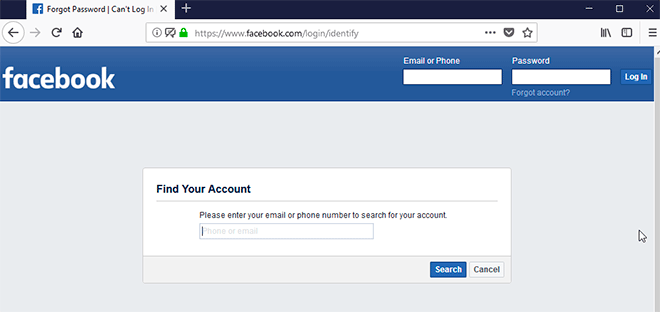
- Enter your email or phone number to search for your account.
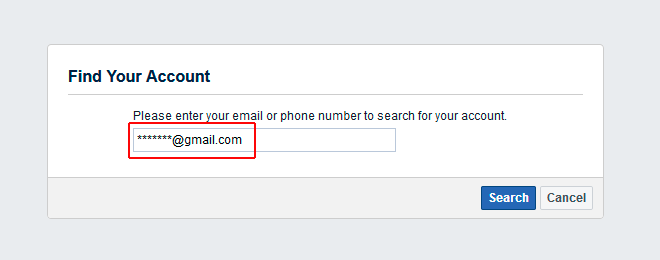
- Even though Facebook doesn’t tell you, you can also enter your full nameor the username associated with your account.
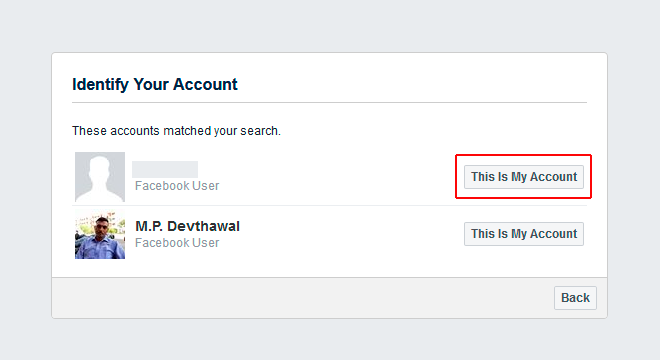
- Find your account and click the “This Is My Account” button right next to it.
- Select how you want to receive the recovery code to reset your password.
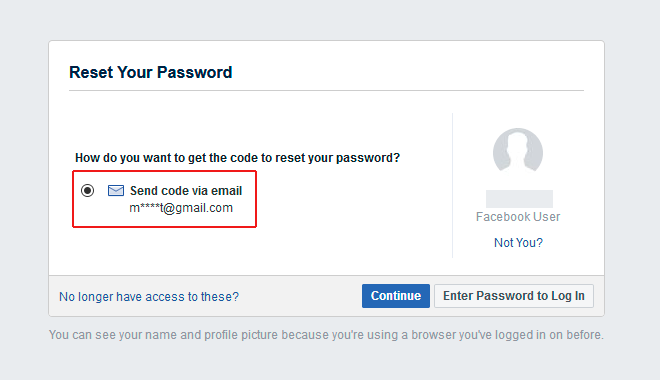
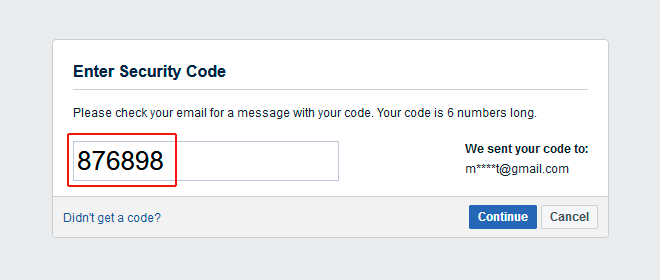
- Enter the recovery code that was sent to you either via email or SMS.
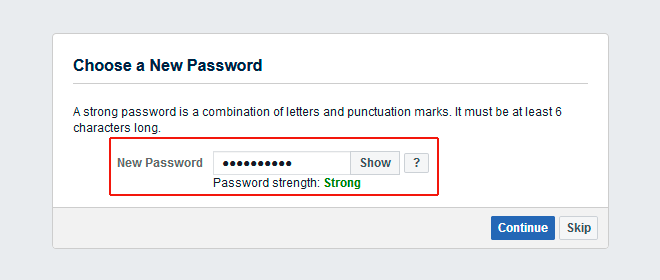
- Select a new password and log in to your Facebook account.
How Do I Reset My Facebook Password from the App?
Facebook’s official mobile app allows you to reset your password if you can remember it.
- Open the Facebook app on your mobile device.
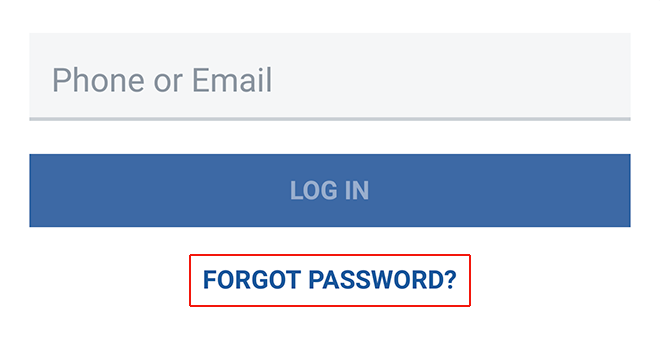
- If you’re not logged in to Facebook, you should see the “Forgot Password?” option. Tap on it.
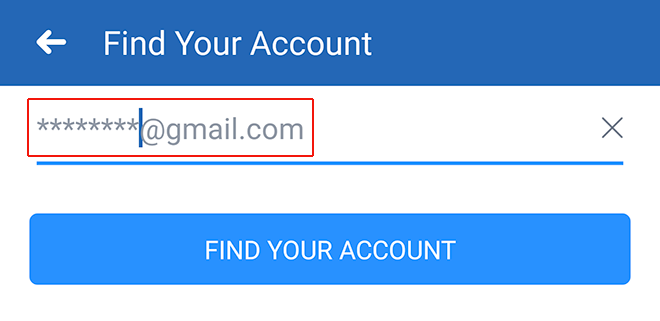
- Enter the email, mobile phone number, full name, or username associated with your account and tap Search.
- Follow the instructions to reset your password.
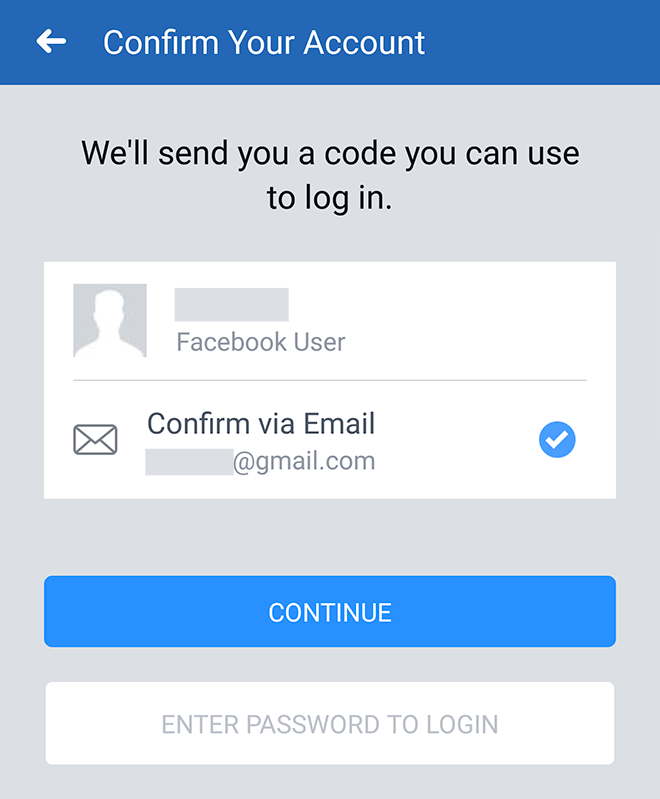
If you experience any problems when resetting your Facebook password from the Facebook app, we recommend you reset your Facebook password from the Find Your Account Page.
Related Topics
How to Recover hacked facebook account
How to permanently delete facebook account